
The whole event in one app
The guest list, the door, the badges and the networking all belong to the same event.
Invites from a spreadsheet
Upload a CSV or Excel file, and Fizvizz emails each invitee. An address listed twice is invited once. With an event upgrade, each invitation carries a personal check-in QR.
QR check-in with a code that changes
Guests show a code that refreshes every 15 seconds in the Fizvizz app, and each code works for one minute. An invitation’s QR is used once: a second scan shows the first check-in.
Find a guest by name
Guests without their code: staff type the first two letters of a name or an email, and the desk lists the matches. Guests still to check in have a Check in button.
A self check-in kiosk
Open Self check-in on a phone or tablet at the entrance. Guests hold their code up to the front camera, or type the email they were invited with.
Badges on label printers
Connect a Bluetooth or Wi-Fi label printer, and each badge prints as its guest checks in. Fizvizz prints in the TSPL, ZPL, CPCL and ESC/POS languages, on five label sizes or a custom one.
Asks, offers and meetings
Attendees post up to ten asks and offers per event. With matching on, Meet opens the list at the best match, and each match shows the shared area, the ask and the offer. Meetings of 15, 30, 45 or 60 minutes go into Apple, Google or Outlook calendars.
Exhibitors and booth visits
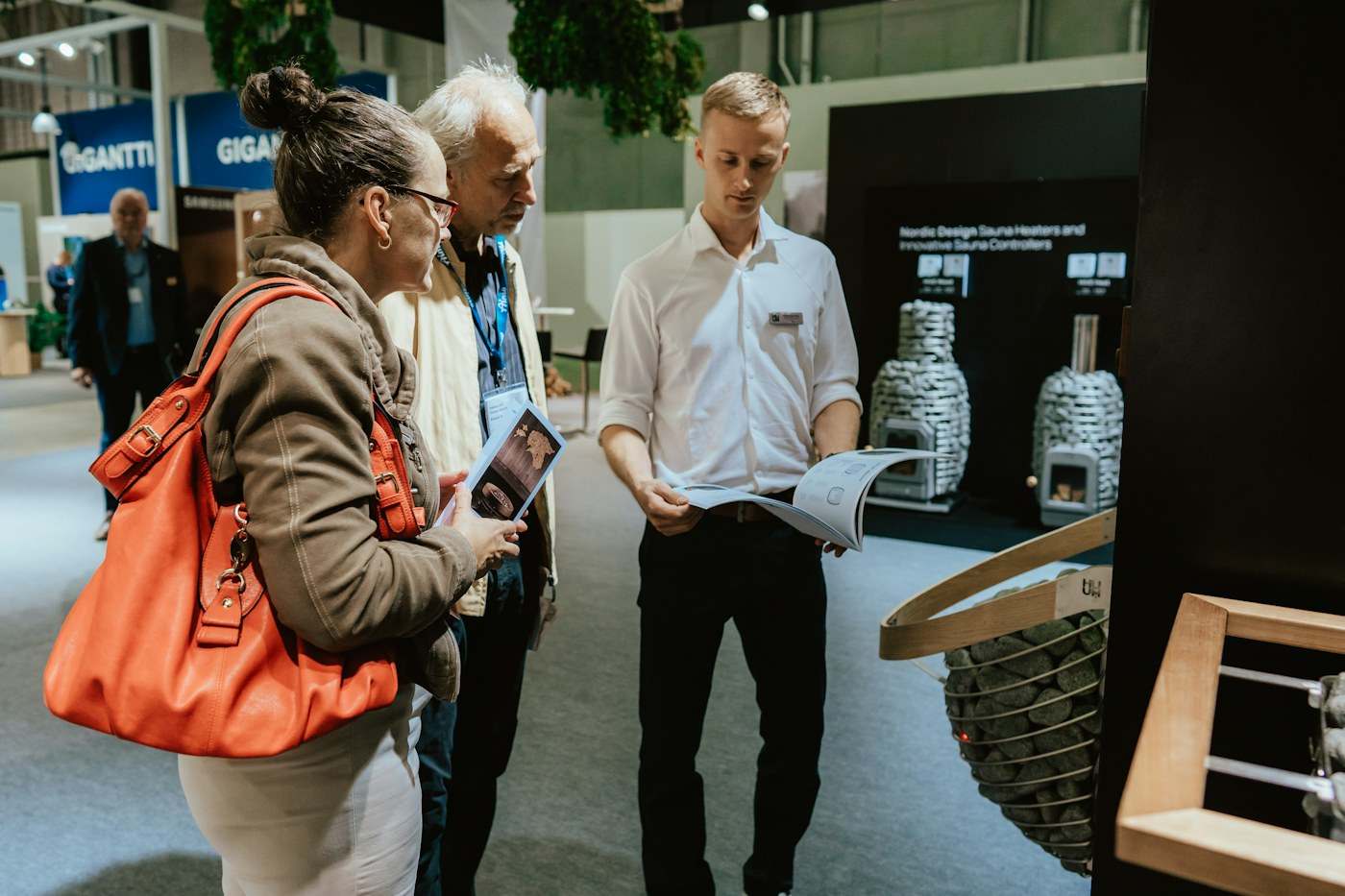
For an exhibition, turn on Exhibition for the event. Exhibitors get booth numbers and team members, visitors search the list, and each booth QR scan is saved with the time.
An event group that stays open
Turn on “Keep the event open after it ends”, and members can keep posting, commenting and sharing cards. You can close the event from its options at any time.